When you try to backup the System State using DPM 2016 / 2012 and receive the below given error.
The replica of System Protection Computer\System Protection on Xserver is inconsistent with the protected data source. All protection activities for data source will fail until the replica is synchronized with consistency check. You can recover data from existing recovery points, but new recovery points cannot be created until the replica is consistent.
For SharePoint farm, recovery points will continue getting created with the databases that are consistent. To backup inconsistent databases, run a consistency check on the farm. (ID 3106)
DPM failed to create the backup. If you are backing up only System State, verify if there is enough free space on the protected computer to store the System State backup. On protected computers running Windows Server2008 or above, verify that Windows Server Backup (WSB) is installed and that it is not performing any other backup or recovery task. (ID 30214 Details: Internal error code: 0x80990ED0)
You can see the errors reported by WSB in the Eventlog on the protected computer XSERVER. For resolution actions and more information on these errors, go to http://technet.microsoft.com/en-us/library/cc734488(WS.10).aspx.
Don’t panic! This issue is not caused by the DPM backup but the protected server has not got WSB feature installed.
Installing Windows Server Backup (WSB)
Open Server Manager
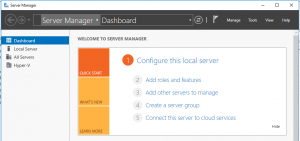
Click on “Add roles and features
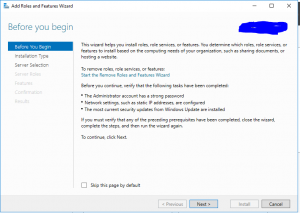
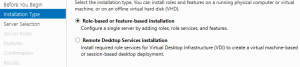
on Installation type select “Role-based or feature-based installation”
Select a server from the server pool
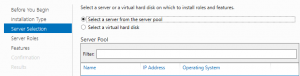
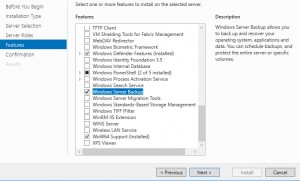
Skip server roles and go to Features option.
Select Windows Server Backup feature.
Once the installation is completed you will to re-run the backup job.